Visualise the Perfect Framing Selection
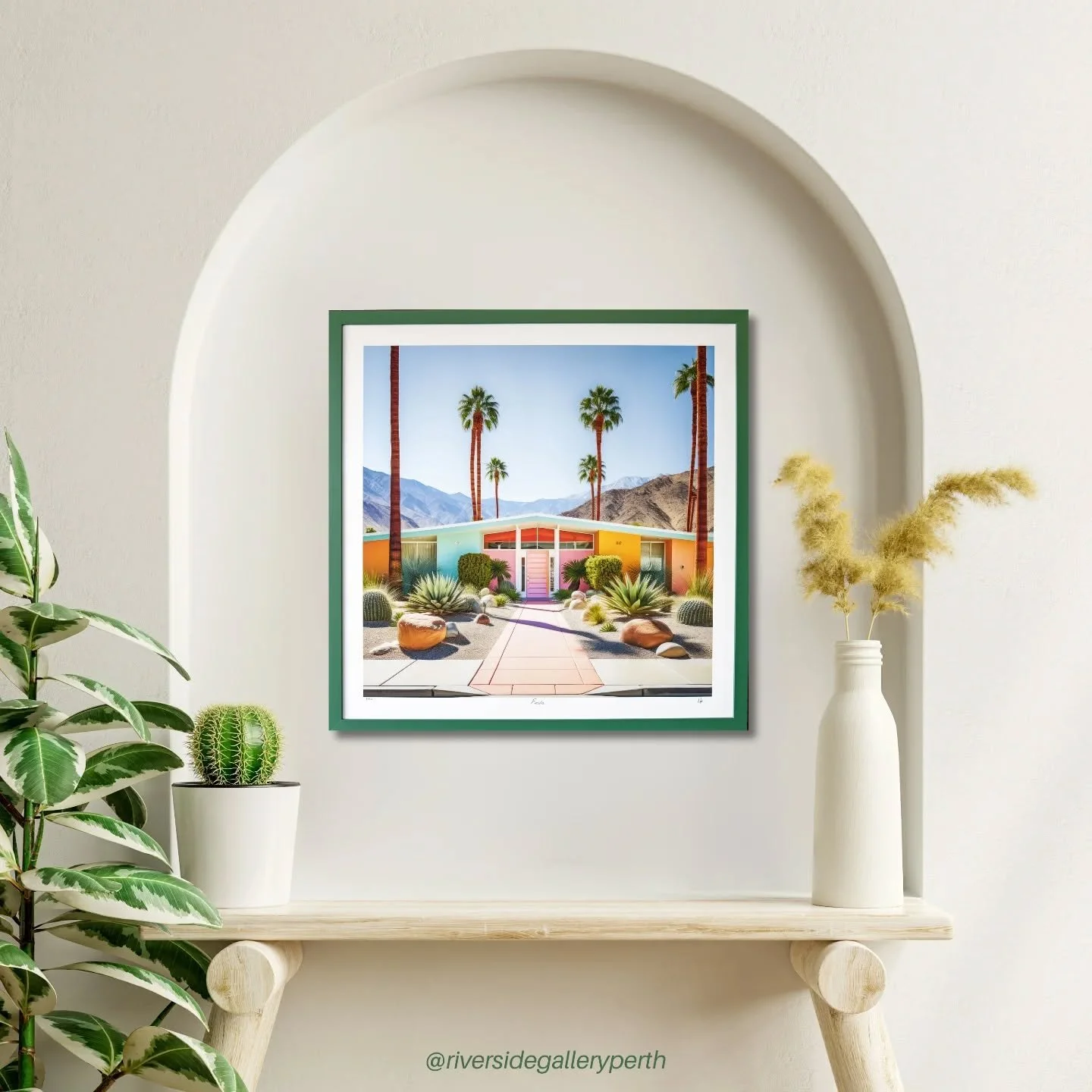
Our Virtual Framer software lets you preview your artwork or photograph in a wide range of custom framing styles before making any decisions.
Adjust frame profiles, mat colours and sizes in real time to give you a full idea of how your piece will appear when finished.
Generate a quote request based on your chosen specifications - we will get back in touch once the request is received
You will need a digital copy of your artwork to upload - this can be a PDF file / JPEG or similar
Opens in a new tab. Start the tutorial below, then flick between the video and the tool as you go.
Watch the tutorial (about 7 minutes)
INSTRUCTIONS
- launch vf tool above (automatically keeps these instructions open)
- Upload File
- 'Tick' in bottom right - or remove background first if necessary
- Keep it on Paperwork / Photo unless floating frame in which case select canvas from dropdown
- enter dimensions in cm (doesn’t have to be exact)
- firstly, On right hand of screen click which framing style you like to use
- if using mat board(s) select width of each mat in cm
- matboard a is inner mat, matboard b is outer or 2nd mat
- Click Select Mat Board and scroll through to select colour for each mat
- Then go to left hand side of screen to pick a frame
- Use filter to search for frame, color is most effective. **must remove filters down the bottom before searching again**
- simply click back on right hand side of screen if you wish to change mat board colour / WIDTH / FRAMING STYLE
- when you are happy with your selection click REQUEST QUOTE AND FOLLOW THE INSTRUCTIONS. WE RECEIVE A NOTIFCATION AND GET BACK IN TOUCH ASAP